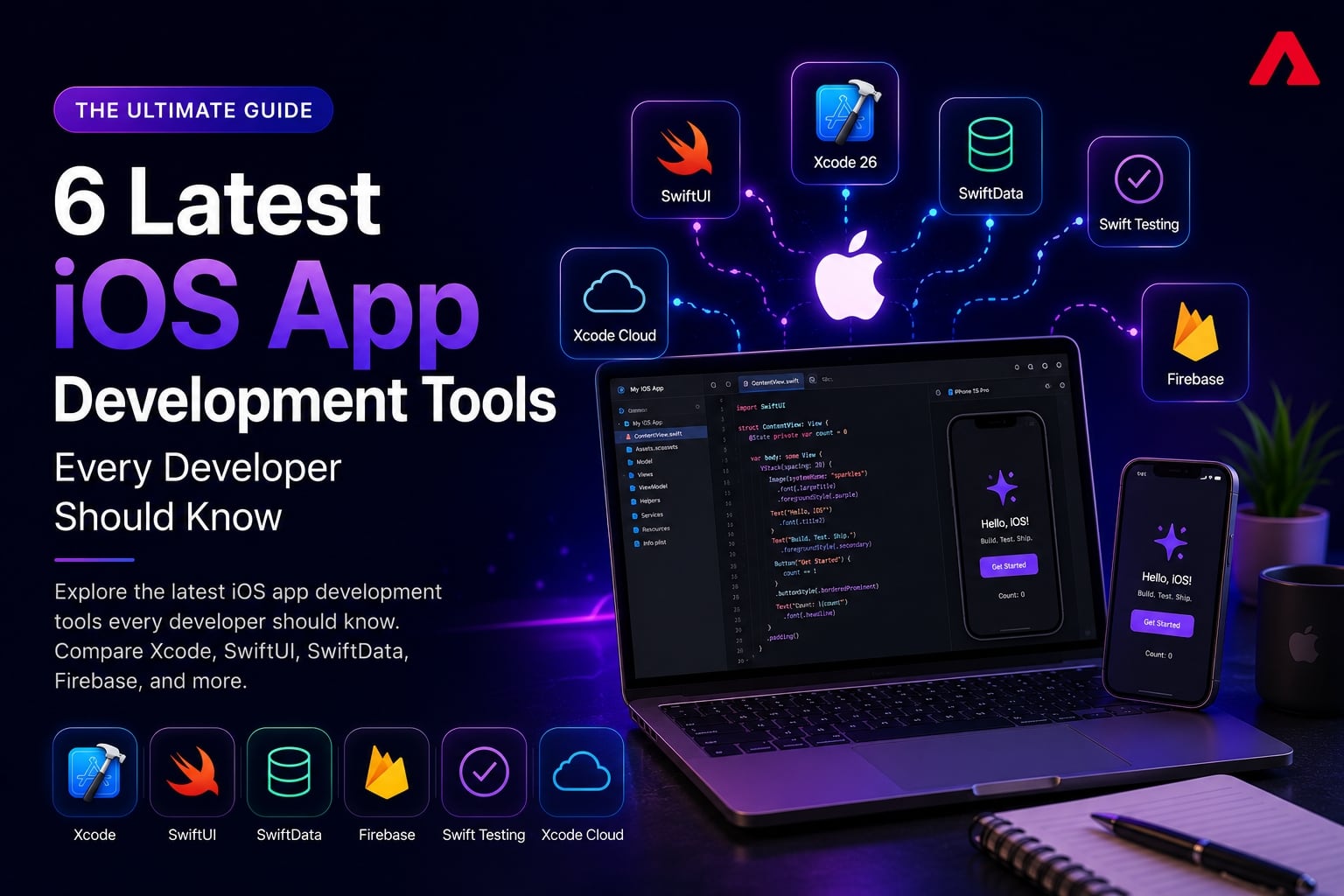
iOS development changed more in the past two years than in the five before it. Apple rebuilt how testing works, replaced its decade-old data persistence framework, shipped AI agents directly into Xcode, and pushed its own CI/CD platform hard enough that it's now a real alternative to third-party automation tools.
A tools list built around what was popular in 2022 doesn't reflect any of that. This guide covers six tools that represent where iOS development actually stands in 2026: not nostalgia picks, but what's shipping in production apps and showing up in Apple's own roadmap right now. If you're scoping an iOS app this year, this is the current toolchain to build around.
What Changed in iOS Development for 2026
Three shifts define the current toolchain:
- AI moved from autocomplete to agentic coding. Apple's own newsroom describes Xcode 26.3 as enabling agents that "create new files, examine code structure, build projects, run tests, take image snapshots to verify their work, and access Apple's full developer documentation" (Apple Newsroom, 2026). That's a different category of tool than whatexisted two years ago.
- Apple's own frameworks matured past their third-party predecessors. SwiftData and Swift Testing aren't experimental anymore, they're the recommended default for new projects.
- CI/CD consolidated toward Apple silicon. Xcode Cloud is now roughly twice as fast and supports Metal and visionOS builds natively, closing much of the gap that used to push teams toward third-party automation by default.
1. Xcode 26: Now With Agentic AI Coding
Xcode is still the mandatory starting point for any native iOS project, but the 2026 version is a meaningfully different tool than the one from a few years ago. Xcode 26.3 introduced agentic coding, where AI agents (including Claude Agent and Codex, integrated directly into the IDE) can plan and execute multi-step development tasks rather than just suggesting the next line.
What's new:
- Agents that create files, navigate project structure, build, and run tests autonomously
- Direct access to Apple's developer documentation from inside the agent's reasoning process
- Image-based verification, where agents can take simulator snapshots to confirm UI changes worked as intended
- New APIs for plugging in different AI models rather than relying on a single built-in assistant
Why it matters:This shifts Xcode from a place where you write code to a place where you can delegate well-scoped tasks (writing a test suite, refactoring a module, fixing a build error) and review the result. For teams building on Swift, this is the single biggest workflow change in iOS development this year.
2. SwiftUI: Faster and More Mature in 2026
SwiftUI is no longer the "newer, less stable" alternative to UIKit. By 2026, it has matured into the default starting point for new projects, with this year's updates focused on performance rather than new syntax.
What's new:
- More efficient state initialization, reducing unnecessary view recomputation
- Faster layout rendering, especially noticeable in list-heavy and data-driven interfaces
- Continued convergence with SwiftData and Swift Testing, so the three work together with less boilerplate than before
Why it matters: The performance gap that used to be the main argument for sticking with UIKit on complex screens has narrowed considerably. For most new builds, SwiftUI is the practical default rather than the adventurous choice.
3. SwiftData: The Modern Replacement for Core Data
Core Data has powered iOS persistence for over a decade, but SwiftData is now the framework Apple actively develops and recommends for new apps. It uses Swift macros (@Model) to generate the data layer at compile time instead of requiring a separate visual data model file.
Key features:
- Compile-time code generation through the @Model macro, removing most Core Data boilerplate
- Native integration with SwiftUI views, so data changes update the UI without manual wiring
- Built on top of Core Data under the hood, so existing knowledge of the underlying concepts still applies
- Cleaner migration paths as the schema evolves
Why it matters:
Teams starting a new app in 2026 have little reason to reach for Core Data directly. SwiftData removes a layer of configuration that used to take real time to get right, especially for developers newer to iOS.
4. Swift Testing: The New Standard for Unit Tests
XCTest was the only real option for testing iOS apps for years. Swift Testing, introduced alongside Swift 6, has since become the standard for new test suites, with Xcode 26 and Swift 6.2 adding exit tests, ranged confirmations, and test scoping traits on top of the original framework (Swift Testing, Apple Developer).
Key features:
- @Test functions and #expect expressions that read more naturally than XCTest's assertion methods
- Built for Swift Concurrency from the ground up, with tests running in parallel by default
- Parameterized tests that run the same logic across multiple inputs without duplicating code
- Built on Swift macros, consistent with how SwiftData and other modern Swift frameworks are designed
Why it matters: Faster, more parallel test runs matter directly for CI pipeline time, and the more expressive syntax makes tests easier to write and review. Existing XCTest suites don't need to be rewritten overnight, but new test code in 2026 is increasingly written in Swift Testing by default.
5. Xcode Cloud: Apple's Native CI/CD, Now Faster
Fastlane has automated iOS releases for years, but Xcode Cloud, Apple's own CI/CD service, has closed much of the performance and capability gap that used to push teams toward third-party tools. The 2026 update made it roughly twice as fast, with added support for Metal-based apps and visionOS builds, all running on Apple silicon.
Key features:
- Native integration with Xcode and App Store Connect, no separate configuration files
- Automatic code signing management, removing one of the most error-prone steps in any iOS release process
- Direct TestFlight and App Store deployment from a single pipeline
- Can run alongside Fastlane scripts for teams with existing automation they don't want to rebuild
Why it matters: For teams starting fresh, Xcode Cloud now covers more of the release pipeline natively than it could a couple of years ago, reducing how often third-party CI/CD is the only practical option for enterprise app development projects.
6. Firebase: Still the Fastest Path to a Working Backend
Despite the AI and tooling shifts elsewhere, Firebase hasn't been displaced as the fastest way to add backend functionality without standing up custom infrastructure. It remains the default for authentication, push notifications, crash reporting, and analytics in apps that don't yet justify a dedicated backend team.
Key features:
- Authentication, Firestore, Cloud Messaging, and Crashlytics, all under one platform
- Usage-based pricing that scales with the app rather than requiring upfront infrastructure investment
- SDKs that integrate cleanly with SwiftUI and SwiftData-based apps
Why it matters: It's still the practical starting point for most new apps, and the point at which teams outgrow it (complex data relationships, strict compliance needs) is usually well past initial launch. For apps that do outgrow it, that's typically where dedicated Firebase development services extend it with custom backend logic rather than replacing it outright.
Tool Comparison at a Glance
| Tool | Category | What It Replaced or Improved | Best For |
|---|---|---|---|
| Xcode 26 | IDE with AI agents | Manual-only coding workflow | Writing, building, and now delegating dev tasks |
| SwiftUI | UI Framework | UIKit (for most new projects) | Faster interface development across Apple devices |
| SwiftData | Persistence | Core Data | Modern, low-boilerplate data modeling |
| Swift Testing | Testing Framework | XCTest | Faster, more expressive parallel test suites |
| Xcode Cloud | CI/CD | Reduces reliance on Fastlane-only pipelines | Native, Apple-silicon-powered build automation |
| Firebase | Backend Platform | Custom backend for early-stage apps | Auth, database, push notifications, analytics |
How to Choose the Right Combination for Your Project
- Starting a new app from scratch: Xcode 26, SwiftUI, SwiftData, and Swift Testing is the cleanest modern stack with the least legacy overhead.
- Maintaining an existing UIKit or Core Data app: No need to rewrite everything. Swift Testing and Xcode Cloud can be adopted incrementally without touching the UI or data layer.
- A team already invested in Fastlane: Xcode Cloud can run alongside existing Fastlane scripts rather than replacing them outright, so migration doesn't have to be all-or-nothing
- An app planning to scale its backend: Start on Firebase, but plan the migration point in advance for when custom backend logic becomes necessary, rather than reacting to it after the app has scaled.
Conclusion
The 2026 iOS toolchain looks meaningfully different from a couple of years ago: AI agents are now doing real development work inside Xcode, SwiftData and Swift Testing have replaced their older counterparts as the sensible default, and Apple's own CI/CD has gotten good enough to be a genuine option rather than a fallback. Building on this current stack, rather than the one most tutorials still teach, saves real rework later.
If you're planning an iOS app and want a team already building on this current toolchain, Atharva System's mobile app development services team can help you scope the right approach. Talk to our team about your project.
FAQs
1. Is Xcode's AI agentic coding actually reliable for production code, or just a demo feature?
It's increasingly used in real workflows for well-scoped tasks like writing test suites, fixing build errors, and refactoring isolated modules, where the agent's work is easy to verify. For complex business logic or architecture decisions, developer review is still essential, so most teams treat it as an accelerator rather than a replacement for senior engineering judgment.
2. Should I migrate an existing Core Data app to SwiftData?
Not urgently. SwiftData is built on top of Core Data, so there's no functional gap forcing a migration. It makes the most sense for new projects or when you're already planning a significant data layer refactor, rather than as a standalone migration project on a stable, working app.
3. Do I need to rewrite my XCTest suite in Swift Testing?
No. Both frameworks can coexist in the same project, and Apple hasn't deprecated XCTest. New test code is increasingly written in Swift Testing for its parallel execution and cleaner syntax, but existing XCTest suites can stay as they are without any urgency to convert them.
4. Is Xcode Cloud ready to fully replace Fastlane?
For smaller or new projects, often yes. For larger codebases with complex automation already built in Fastlane, most teams run both together rather than switching entirely, since Fastlane's plugin ecosystem still covers integrations Xcode Cloud doesn't handle natively.
5. Is Firebase still a good choice in 2026, or has something newer replaced it?
Firebase remains the standard starting point for most new apps needing backend functionality quickly. Newer alternatives exist for specific needs, but none have displaced Firebase as the default for authentication, push notifications, and crash reporting at the early stage of a project.
6. What's the biggest mistake teams make when adopting these newer tools?
Adopting everything at once on an existing app. The more practical approach is incremental: add Swift Testing for new tests, evaluate Xcode Cloud alongside existing CI/CD rather than replacing it outright, and reserve SwiftData and SwiftUI's AI features for new modules rather than rewriting a stable, working codebase.