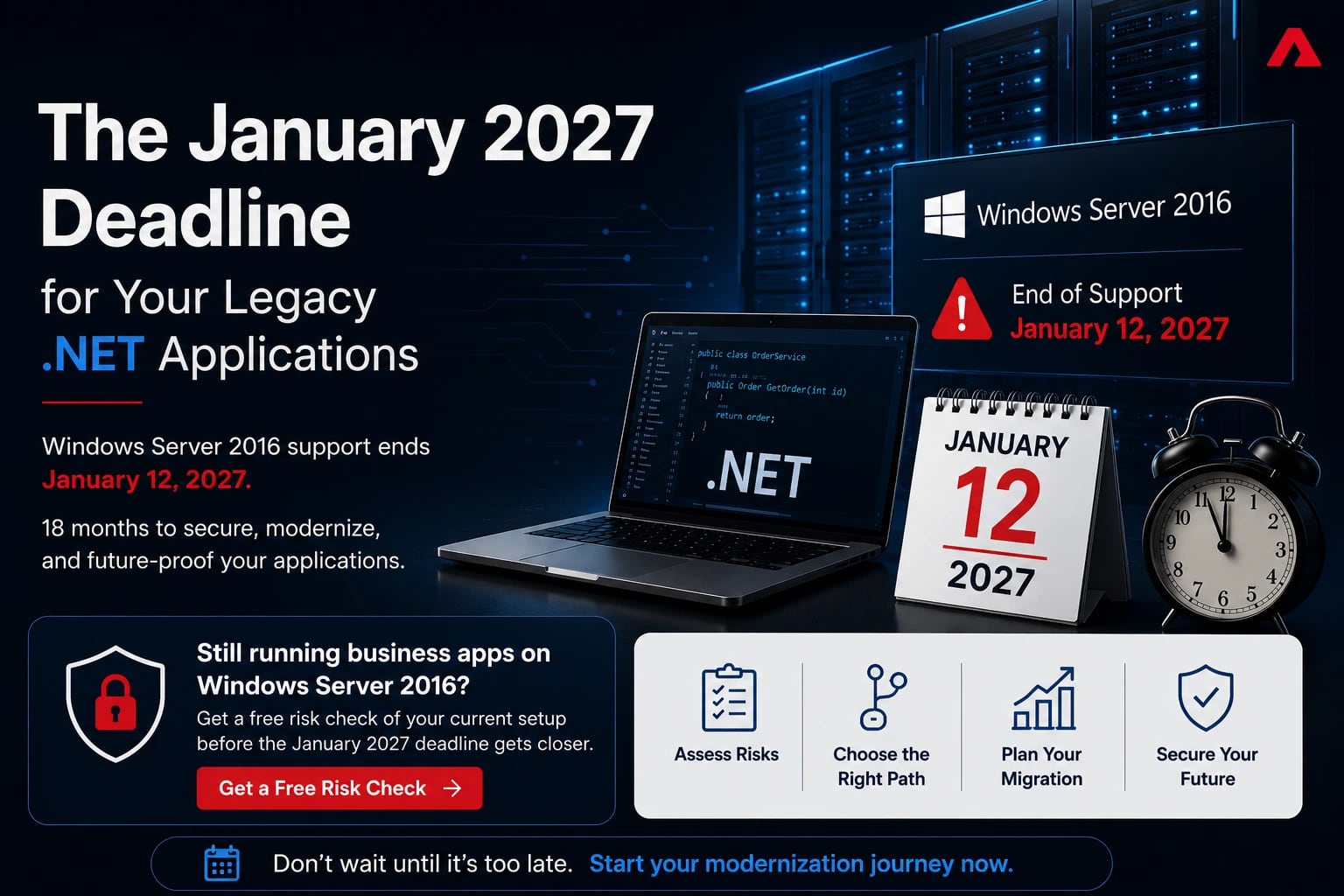
Put this date in your calendar: January 12, 2027. That is the day Microsoft ends extended support for Windows Server 2016.
If your company still runs business applications on that platform, and a surprising number do, you have under 18 months to make a decision. After that date, no more security patches. No bug fixes. No Microsoft support when something breaks at 2 a.m.
Here is the part many IT leaders miss. This is not just a server problem. Windows Server 2016 is where thousands of legacy ASP.NET and .NET Framework applications quietly live. The order system built in 2015. The internal portal nobody wants to touch. The reporting tool that finance depends on every month. When the server loses support, every application on it inherits the risk.
The good news is that 18 months is enough time to handle this properly, and the options in 2026 are better and cheaper than they were even two years ago. This article walks through what actually happens after the deadline, your four realistic paths, and how to plan the work backward from January 2027.
What End of Support Actually Means
Microsoft support runs in two phases. Mainstream support for Windows Server 2016 ended back in January 2022. Since then it has been in extended support, which means security updates only. On January 12, 2027, that ends too.
From that day forward, every new vulnerability discovered in the operating system stays open on your servers. And attackers pay close attention to end-of-support dates. Unpatched, out-of-support systems are among their favorite targets because the vulnerabilities are publicly documented and permanently unfixed.
Microsoft does offer paid Extended Security Updates (ESUs) for companies that cannot move in time. But treat that as an emergency brake, not a plan. ESU pricing typically starts high and roughly doubles each year, it only covers vulnerabilities rated critical or important, and it buys you at most three more years of borrowed time.
The Hidden Costs of Staying Put
The obvious risk is a breach. The less obvious costs show up earlier and hit the budget from directions many teams do not expect:
- Compliance failures. Frameworks like PCI DSS, HIPAA, SOC 2, and ISO 27001 all expect supported, patched systems. An out-of-support server can turn a routine audit into a finding, and a finding into lost contracts.
- Cyber insurance trouble. Insurers now ask directly about unsupported software. Running out-of-support systems can raise premiums or void coverage exactly when you need it.
- Vendor abandonment. Third-party software vendors drop support for old platforms too. You can end up running an unsupported app on an unsupported runtime on an unsupported OS, with nobody to call.
- Talent drain. Developers do not want to work on .NET Framework 4.x codebases. Recruiting for legacy stacks gets harder and more expensive every year.
Add these up and "do nothing" is rarely the cheap option it appears to be. It just moves the cost into categories that are harder to see.


Your Four Realistic Options
There is no single right answer for every application. Most companies end up using a mix of these four paths across their portfolio.
- Option 1: Buy time with ESUs. Pay Microsoft for extended patches. Reasonable only for systems that are being retired anyway within a year or two. Expensive as a long-term strategy.
- Option 2: Rehost. Move the application as-is to Windows Server 2022 or 2025, or to Azure. This fixes the operating system problem but not the application problem. Your .NET Framework app is still a .NET Framework app, with the same aging dependencies and the same shrinking talent pool. Rehosting is a solid first move for apps that work fine and rarely change.
- Option 3: Replatform. Make targeted changes so the app runs in a more modern setup, for example containerizing it or moving its database to a managed service, without rewriting the core.
- Option 4: Modernize to ASP.NET Core. Migrate the application to modern .NET, which now means .NET 10, the current long-term support release from November 2025. This is the biggest effort but the only option that actually pays down the debt. You get cross-platform hosting including cheaper Linux servers, dramatically better performance, container support, and a framework that Microsoft is actively investing in, with .NET 11 already in preview for late 2026.
A useful rule of thumb: rehost the apps you plan to retire, modernize the apps your business depends on. The mistake is doing it the other way around. Teams with limited in-house capacity often bring in a partner that focuses on legacy modernization services to run the assessment and handle the heavier migrations while their own developers keep the business running.
AI Assistance Changed the Migration Math
If you priced a .NET Framework migration a few years ago and flinched, it is worth pricing it again. The economics changed in 2025 and 2026.
Microsoft's upgrade tooling and GitHub Copilot's app modernization features can now analyze a legacy codebase, propose an upgrade plan, and perform large portions of the mechanical work: updating project files, swapping deprecated APIs, adjusting configuration, and flagging the genuinely hard parts for human review. Microsoft has reported internal teams cutting migration effort by half or more on some codebases using these tools.
Be realistic about what this means. AI assistance does not make migrations automatic. Business logic still needs human understanding, integration quirks still need testing, and some old dependencies simply have no modern equivalent and force design decisions. What the tooling does is compress the repetitive 70 percent of the work so your experienced people can focus on the 30 percent that actually needs judgment. Migrations that used to be 12-month projects are landing in half that time, and that changes which applications are worth modernizing rather than just rehosting.
A Realistic Timeline, Working Backward from January 2027
Eighteen months sounds like plenty. It is not, once you account for testing, freeze periods, and everything else your team must ship in parallel. Here is a sensible sequence starting now:
- Months 1 to 2: Inventory. List every application running on Windows Server 2016, its owner, its business importance, and its dependencies. Most companies find systems they forgot existed.
- Months 2 to 4: Assess and decide. Put each app into one of the four buckets: retire, ESU, rehost, or modernize. Get the decisions signed off by the business owners, not just IT.
- Months 4 to 12: Execute in waves. Start with a low-risk pilot migration to build confidence and a repeatable playbook. Then run the important systems. Never save the most critical app for last.
- Months 12 to 15: Test and cut over. Load testing, security review, user acceptance, and staged cutovers with rollback plans.
- Months 15 to 17: Buffer. Something will slip. A dependency will surprise you. Building slack into the plan is not pessimism, it is experience.
If you are reading this in late 2026 and have not started, do not panic, but do compress: inventory in two weeks, decisions in a month, ESUs only for whatever genuinely cannot move in time.
Behind schedule already? Talk to our migration team and we will help you compress the plan without skipping the testing that matters. Let's Talk
Mistakes That Blow Up Budgets
The same problems appear in almost every failed migration story:
- Skipping the inventory. You cannot plan what you have not counted. Shadow applications discovered in month ten wreck timelines.
- Modernizing everything. Some apps deserve a rewrite. Others just need a supported home for their last two years of life. Spending rewrite money on a dying app is waste.
- Underestimating testing. The code migration is often only half the effort. Old apps have undocumented behavior that users depend on. Budget as much time for testing as for migrating.
- Treating it as a pure IT project. These applications encode business processes. Without business owners in the room, teams faithfully migrate features nobody has used since 2019.
- No performance baseline. Measure the old system first. Otherwise you cannot prove the new one is better, and every user complaint becomes a debate.
For the applications you do choose to rebuild on modern .NET, get the architecture decisions right at the start. Choices about hosting, authentication, and API design are cheap to make early and painful to reverse later. This is the stage where experienced ASP.NET application development teams earn their fee, because they have already made these decisions dozens of times and know which shortcuts come back to bite.
The Deadline Is Really an Opportunity
Nobody enjoys forced migrations. But January 2027 gives you something rare: a firm, defensible reason to finally deal with the legacy applications everyone has been avoiding. Budget conversations that went nowhere for five years suddenly become easy when the alternative is running critical systems with no security patches.
Companies that start now get to choose their path calmly, pilot carefully, and use AI-assisted tooling to cut the cost. Companies that wait until late 2026 will pay ESU prices for the privilege of doing the same work under pressure.
Start the inventory this month. It costs almost nothing, and it turns an intimidating deadline into a manageable list.
Or Get a Custom Migration Roadmap
Send us the following information and we will reply with a custom modernization roadmap:
- Number of applications on Windows Server 2016
- Your current .NET versions
- Any compliance needs (PCI, HIPAA, SOC 2, ISO)
- Your target completion date